If you’re like me, you get tired of waiting for long-running jobs in the terminal. You run a new command, and you don’t really know how long it should take to finish.
Will it be done in 30 seconds? 5 minutes? 45 minutes? Longer?
The uncertainty of the time delay can be frustrating. Should I sit and wait, or should I go find something else to do?
If this step is important, then I want to know when it is done so I can get back to work right away.
Introducing ntfy.sh #
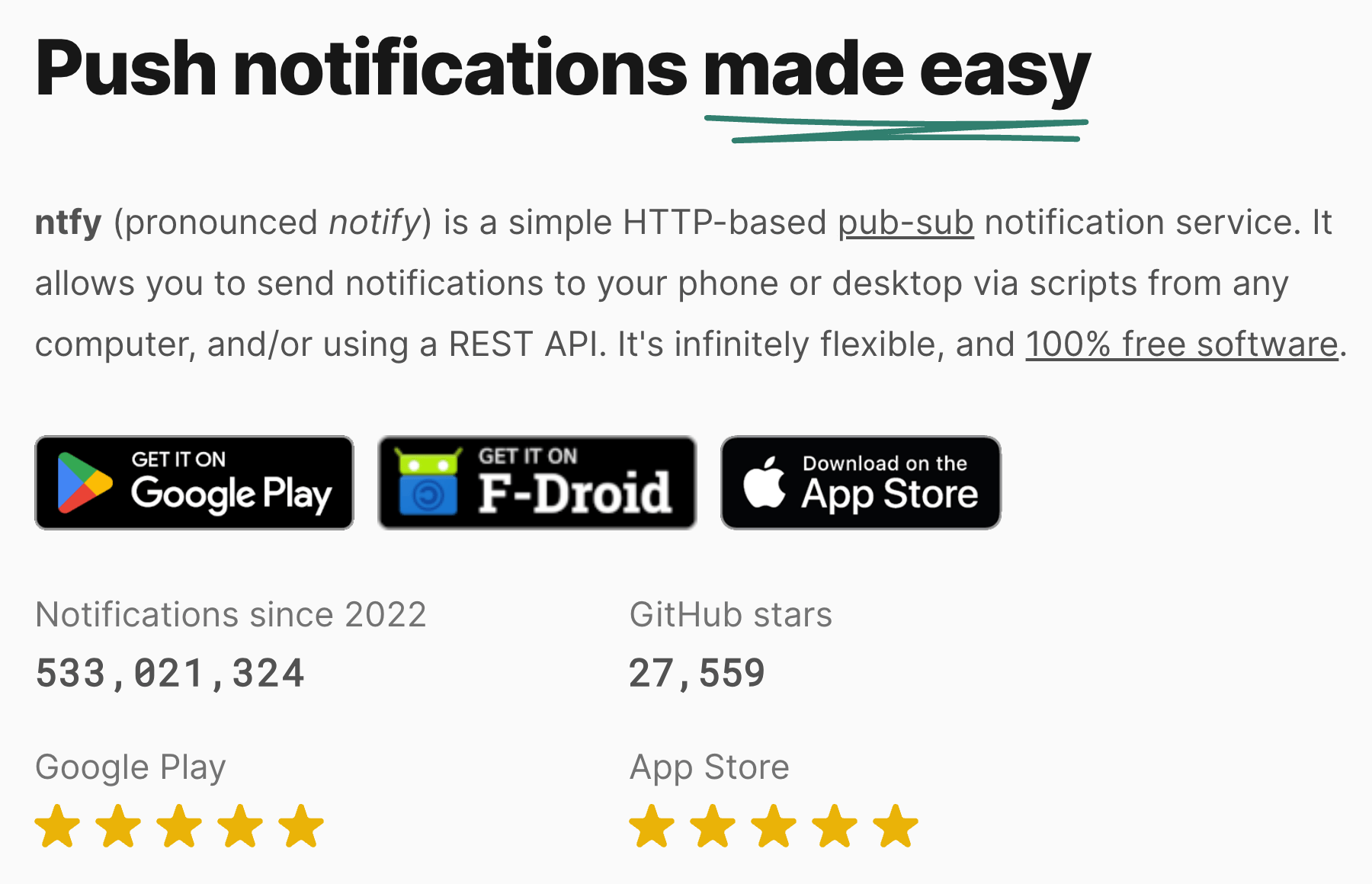
Let me introduce you to https://ntfy.sh by Philipp C. Heckel.
It is a web application that he runs on his own servers. There are paid tiers if you want more features, but the free tier is more than enough for me.
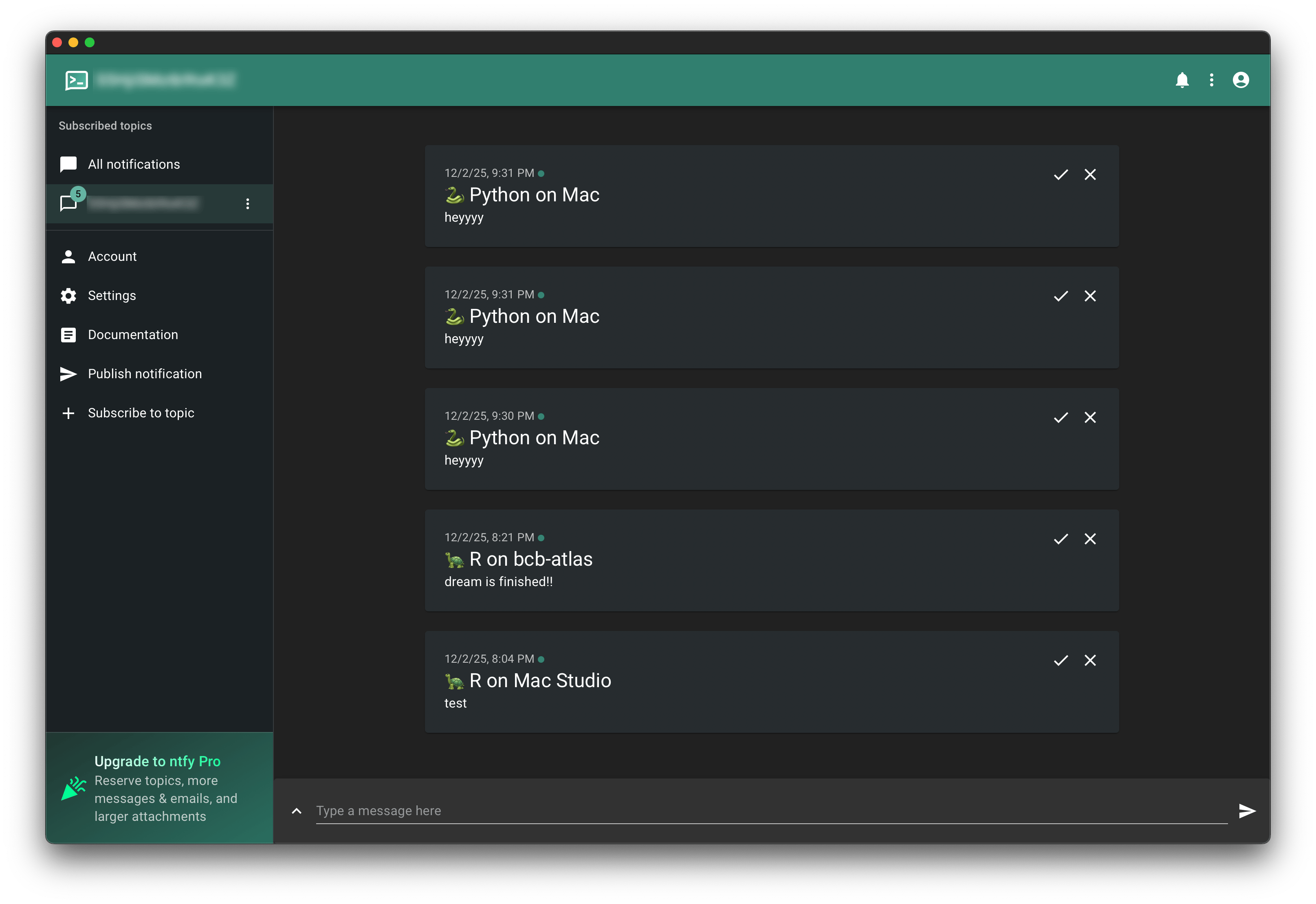
There are many ways to run the ntfy app. On my Mac, I opened the app in Safari, and then in the menu bar, chose File > Add to Dock to get a standalone web app in my Dock (learn more).
Running ntfy from R #
Here’s the code I put in my ~/.Rprofile:
ntfy <- function(x) {
  topic <- "abc123"
  title <- "R on bcb-atlas"
  cmd <- sprintf(
    'curl -s -H "Title: %s" -H "Tags: turtle" -d "%s" ntfy.sh/%s',
    title, x, topic
  )
  system(cmd, intern = TRUE)
}
That way, I can run a long-running job like this:
for (my_name in my_names) {
  do_heavy_work(my_name)
}
ntfy("hey that long job is finished!")
When the job is finished, I get a notification on my Mac and on my phone!


Automatic R notifications #
If you want to get notifications automatically any time there is a long-running command, try adding this code to your ~/.Rprofile:
# If an expression takes a long time to evaluate, notify me when it's done.
#
# Caveat:
#   If your session is idle, then the idle time is also counted in the
#   duration of the expression. So, if you step away from the computer, then
#   all that time away from your computer will count as a "very long" job.
local({
  threshold  <- 90         # seconds
  .start     <- Sys.time() # last start time (private)
  to_hms <- function(sec) { # https://stackoverflow.com/a/51156986
    paste(
      paste(
        formatC(sec %/% (60*60) %% 24, width = 2, format = "d", flag = "0"), "h ",
        formatC(sec %/% 60 %% 60, width = 2, format = "d", flag = "0"), "m ",
        formatC(sec %% 60, width = 2, format = "d", flag = "0"), "s",
        sep = ""
      )
    )
  }
  addTaskCallback(function(expr, value, ok, visible) {
    if (!is.null(.start)) {
      elapsed <- as.numeric(Sys.time() - .start, units = "secs")
      if (elapsed >= threshold) {
        ntfy(sprintf(
          "R took %s to run:\n%s", to_hms(elapsed), deparse(expr)
        ))
      }
    }
    .start <<- Sys.time()
    TRUE # keep callback active
  }, name = "notify_long_commands")
})
Running ntfy from Bash #
I put this in my ~/.bashrc:
function ntfy() {
  curl -s \
    -H "Title: $(hostname)" \
    -H "Priority: default" \
    -H "Tags: rainbow" \
    -d "$1" \
    ntfy.sh/abc123 > /dev/null
}
Then I can use it from the terminal like so:
ntfy "hey look something is finished!"
Automatic Bash notifications #
If you want automatic notifications for long-running commands, try putting this in your ~/.bashrc:
# https://stackoverflow.com/a/1862762
function timer_start {
  timer=${timer:-$SECONDS}
}
function timer_stop {
  timer_show=$(($SECONDS - $timer))
  if (( timer_show > 90 )); then
    duration=$( printf '%dh %dm %ds\n' $((timer_show/3600)) $((timer_show%3600/60)) $((timer_show%60)) )
    # echo "Bash command took $duration"
    ntfy "Bash command took $duration"
  fi
  unset timer
}
trap 'timer_start' DEBUG
PROMPT_COMMAND="timer_stop${PROMPT_COMMAND:+;$PROMPT_COMMAND}"
By the way, if you are using starship.rs, then make sure you put the eval "$(starship init bash)" command at the end, after the code block shown above.
Running ntfy from IPython #
Make a new file ~/.ipython/profile_default/startup/ntfy.py with this code:
import subprocess

def ntfy(message):
    """
    Send 'message' to the ntfy.sh topic defined in the curl command.
    Usage:
        ntfy("hey there")
    """
    topic = "abc123"
    title = "Python on my server"
    cmd = [
        "curl", "-s",
        "-H", f"Title: {title}",
        "-H", "Priority: default",
        "-H", "Tags: snake",
        "-d", str(message),
        f"ntfy.sh/{topic}"
    ]
    retval = subprocess.run(cmd, stdout=subprocess.DEVNULL, stderr=subprocess.DEVNULL, check=True)
    return
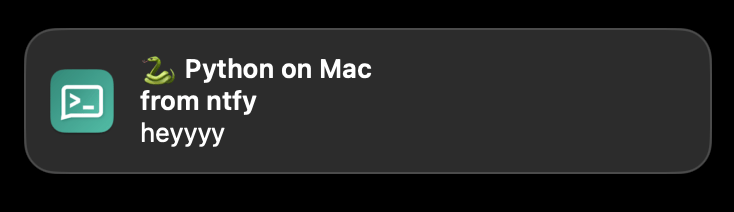
Then, in an interactive IPython session, I can run:
[ins] In [1]: ntfy("heyyyy")
Automatic IPython notifications #
If you want automatic notifications, try putting this in your config:
# ~/.ipython/profile_default/startup/notify_long.py
import time
from datetime import datetime, timedelta
import subprocess

def ntfy(message):
    """
    Send 'message' to the ntfy.sh topic defined in the curl command.
    Usage:
        ntfy("hey there")
    """
    topic = "abc123"
    title = "Python on my server"
    cmd = [
        "curl", "-s",
        "-H", f"Title: {title}",
        "-H", "Priority: default",
        "-H", "Tags: snake",
        "-d", str(message),
        f"ntfy.sh/{topic}"
    ]
    retval = subprocess.run(cmd, stdout=subprocess.DEVNULL, stderr=subprocess.DEVNULL, check=True)
    return

_t0 = None

def pre(x):
    global _t0
    _t0 = datetime.now()

def post(result):
    global _t0
    if _t0:
        elapsed = (datetime.now() - _t0).total_seconds()
        if elapsed >= 90: # seconds
            ntfy(
              message=f"IPython command took {timedelta(seconds=int(elapsed))}"
            )
        _t0 = None

# register the callbacks
get_ipython().events.register("pre_run_cell",  pre)
get_ipython().events.register("post_run_cell", post)
Running ntfy from Python #
Make a new file ~/.pythonrc.py with the same ntfy() function shown above.
Then, tell Python to use it as a startup file:
export PYTHONSTARTUP=~/.pythonrc.py
Enjoy the notifications!
Reply by Email